
A force push doesn't delete your commits
A branch is just a pointer
A branch is a label sitting on one commit, saying this one is the tip.
A force push doesn't delete commits. It moves the label. The old commits are still in there. You just lost the address.
And GitHub records that address on every push it receives.
before:  7f3a91c   <- the lost address
head:    9d2b04e
Restoring works the same way. Point the branch back at that commit.
How a scan runs
- 01
Collect pushes in the window
Events narrow the targets, so it does not't crawl the whole org.
- 02
Diff the tree before against now
Which files were added, modified or deleted.
- 03
Keep every changed file
This is the output. It stays whether a rule matched or not.
- 04
Rank what to read first
That is ordering, not a verdict.
- 05
You or your agent take it from here
The tool stops right before this step.
The same fact sets the limit
The events API keeps roughly 90 days and 300 events. Past that, the address is gone.
So you have to look early, and the tool says so on screen. It's also why every scan gets written to disk.
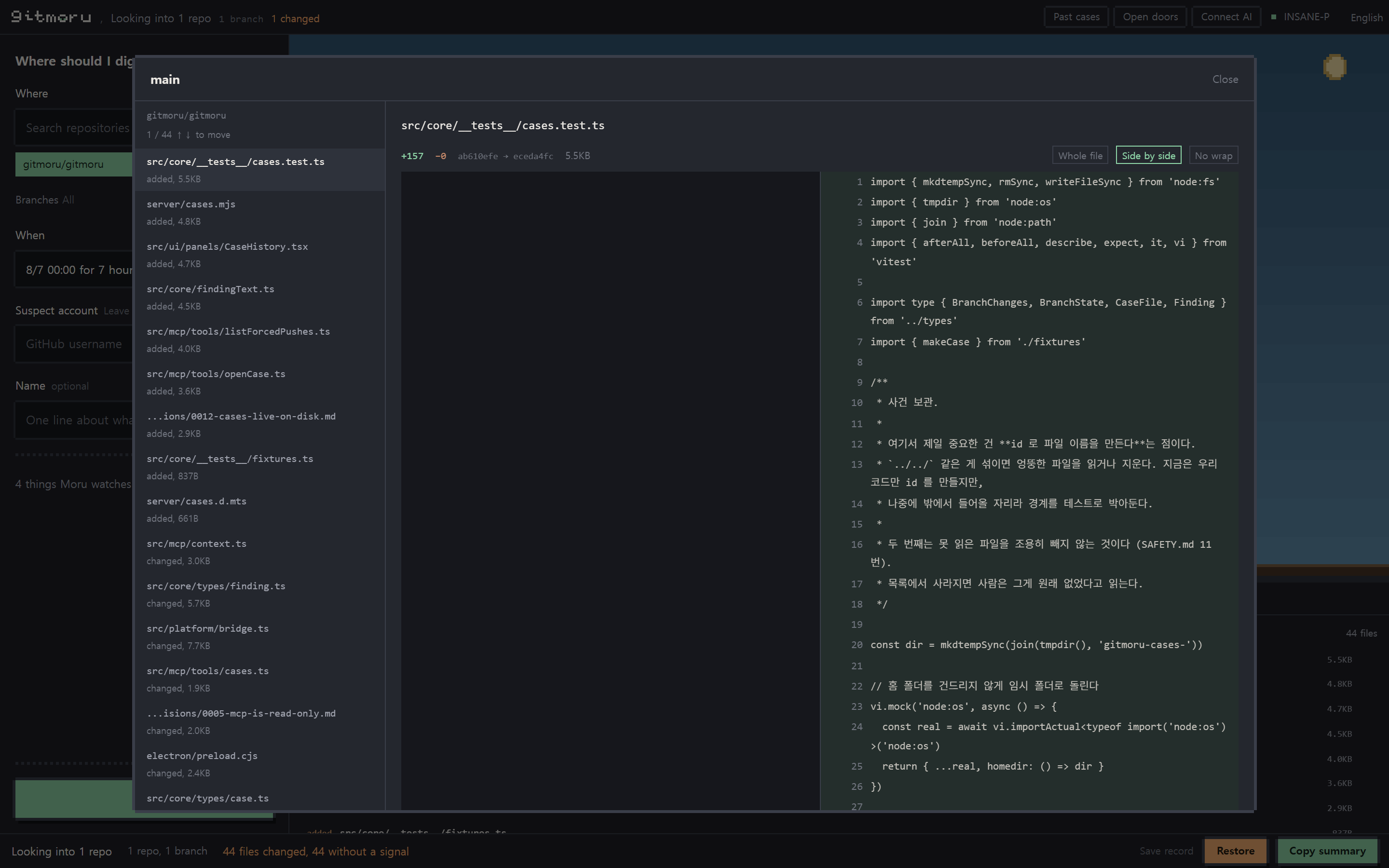
How it ranks what to read first
All four came out of a real incident. Not matching one of them doesn't make a file fine.
Sudden size jump
Padding a config file with whitespace pushes the payload off screen. The name is unchanged, so nothing looks odd, but the size tells on it.
Identical file across repos
Tooling that overwrites many repos leaves byte-identical files in all of them. Same content hash, same file.
Forged author
Author name and date can be set to anything. The committer date is when the commit was really made, so the gap shows.
Tooling left behind
Automation leaves scratch files behind and adds them to .gitignore so they don't get committed. That line is a fingerprint.